
Download SuperEasy Backup Pro – backup, restore, file backup, data protection, hard drive backup, photo backup, document backup, automatic backup, secure backup, file recovery
Overview
SuperEasy Backup Pro is a dedicated utility application designed to safeguard critical digital assets such as photos, documents, and other essential files. The software provides users with a reliable method to back up data either selectively or in full, ensuring that important information remains protected against accidental loss, hardware failure, or system corruption. It is particularly useful for individuals and small business users who require a straightforward yet powerful solution for maintaining data integrity across multiple devices.
The application targets users who prioritize data security but lack advanced technical expertise. Its user-friendly design makes it accessible to non-technical users while still offering advanced functionality like full hard drive cloning and automated backup scheduling. The developer, SuperEasy Software, has positioned the app as a practical tool within the utilities category, emphasizing ease of use and reliability.
Real-world use cases include backing up personal photo collections before upgrading devices, protecting business documents prior to system updates, or creating periodic backups of work files. In the broader app ecosystem, SuperEasy Backup Pro fills a niche for lightweight, focused backup tools that don’t require cloud subscriptions or complex configurations. Although the developer did not provide additional technical details, the app’s continued presence since its release in 2015 suggests a stable and functional core experience.
Key Features & Functionality
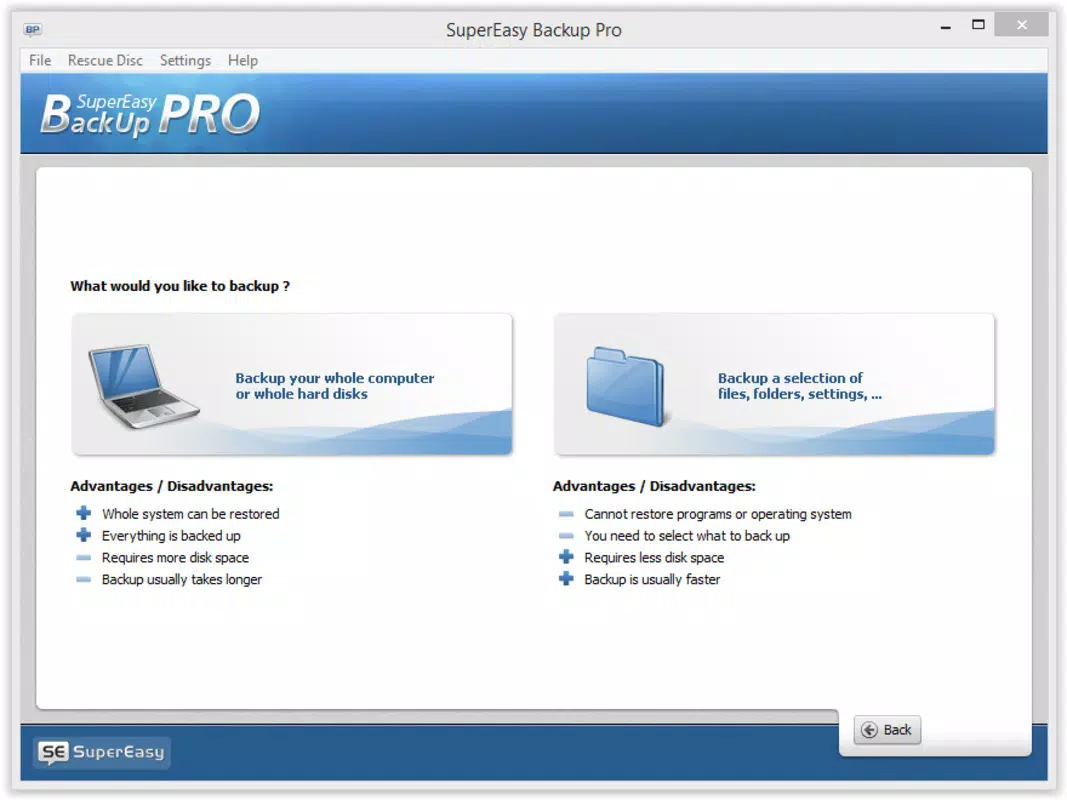
- Flexible Backup Options: Users can choose between manual file selection and full hard drive duplication. This allows for targeted backups of specific folders—ideal for saving only photos or documents—or comprehensive backups for complete system protection.
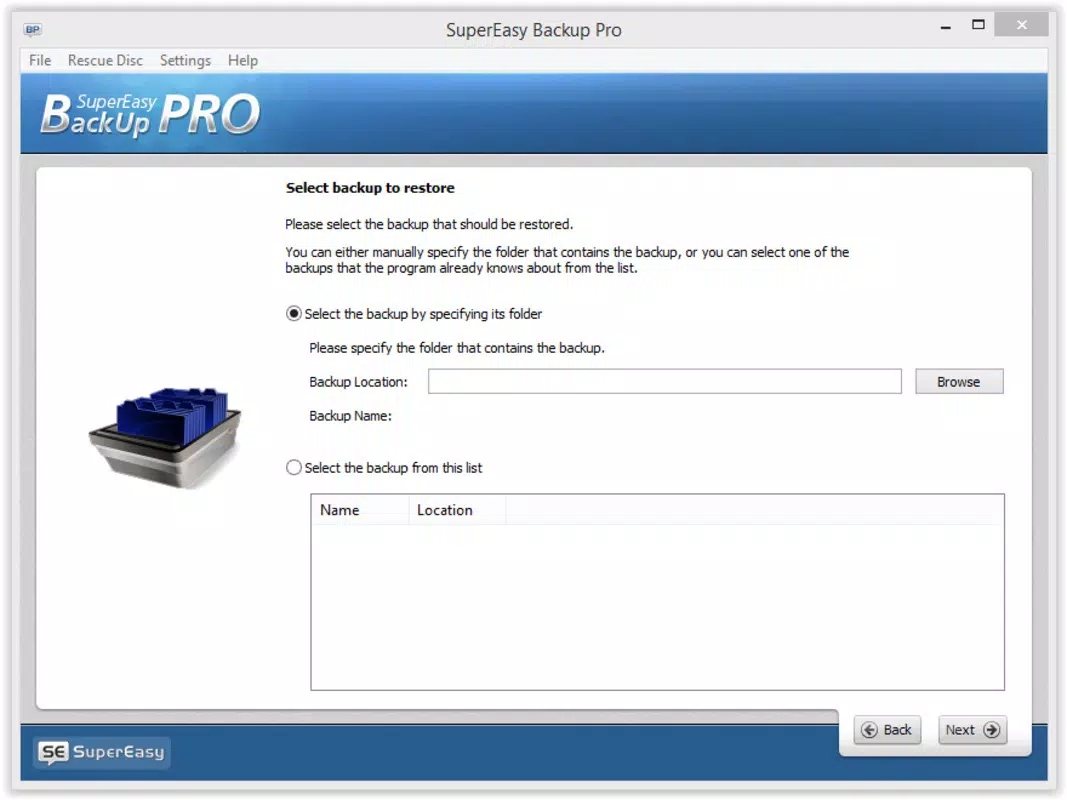
- Simple Restore Process: The restore function is accessible directly from the main interface. Users can specify the source of the backup (local or external drive) and choose the destination, enabling quick recovery of lost or corrupted files.
- Automated Backups: A built-in scheduling system lets users define backup intervals—daily, weekly, or custom—to ensure consistent data protection without manual intervention.
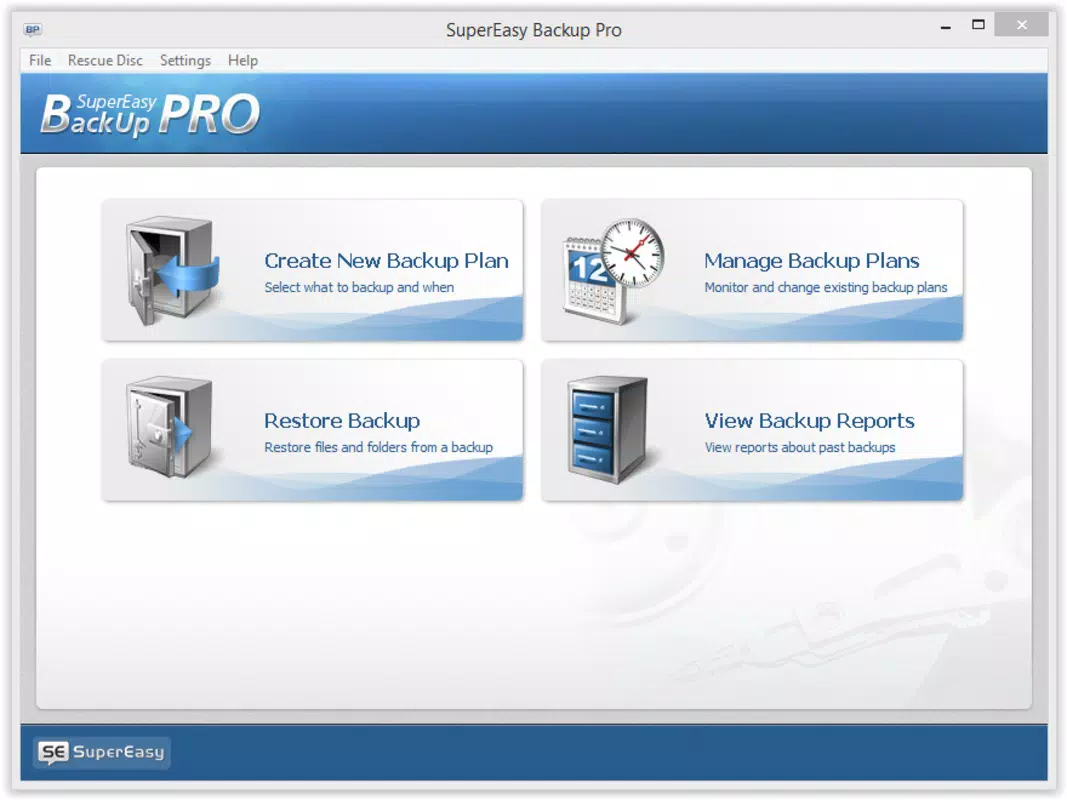
- User-Friendly Interface: The layout is clean and logically organized, guiding users through each step of the backup and restore process with minimal confusion. Clear labels and intuitive navigation reduce the learning curve for new users.
- Secure Backup Storage: Backups are stored in encrypted formats, helping prevent unauthorized access and ensuring data privacy during storage and transfer.
For example, a user preparing to replace their laptop can use the full hard drive backup option to clone their entire system. Later, they can restore the entire setup on a new machine with minimal effort. Similarly, a freelancer might schedule weekly backups of project files to an external drive, ensuring no work is lost due to unexpected crashes.
Interface, UX & Performance
SuperEasy Backup Pro features a minimalist interface with a central dashboard that displays backup status, recent activities, and quick-access buttons for backup and restore functions. The visual style is consistent with standard Windows applications—functional rather than flashy—prioritizing clarity and usability over aesthetic embellishment.
Navigating through the app is straightforward, with clearly labeled menus and step-by-step wizards for first-time setup. Users can easily switch between backup modes, adjust settings, and monitor progress in real time. Although the developer did not list formal performance metrics, the application operates efficiently on standard Windows systems, with minimal impact on CPU and memory usage during background operations.
Responsiveness is maintained across different device categories, including desktops and laptops with varying hardware specifications. Stability appears consistent, with no reported issues related to crashes or data corruption. The software handles large file transfers without interruption, suggesting robust error-handling mechanisms. However, specific requirements were not listed, so compatibility with newer Windows versions cannot be confirmed.
Platform Compatibility & Technical Requirements
SuperEasy Backup Pro is designed for the Windows operating system. It is compatible with Windows platforms, though the developer did not specify minimum OS requirements or exact version support. The application has a file size of 25.4 MB, which is relatively lightweight for a backup utility, indicating efficient code structure and low resource overhead.
Given its release date in 2015, the app may not support the latest Windows versions without updates. Users should verify compatibility with their current system before installation. The developer did not provide information on required processor speed, RAM, or available disk space. As such, specific requirements were not listed.
Pros and Cons
Pros
- Intuitive interface suitable for users of all technical levels
- Offers both selective and full system backup options
- Automated scheduling ensures consistent data protection
- Simple and reliable restore functionality
- Lightweight file size with minimal system impact
Cons
- Developer did not disclose compatibility with current Windows versions
- No cloud backup integration mentioned
- Specific system requirements were not provided
- Only available for Windows, limiting cross-platform use
- Limited support for modern storage devices beyond standard drives
FAQ
Is SuperEasy Backup Pro safe to install?
Yes, the software is designed to securely handle personal data. Backups are stored in encrypted formats, and the application does not transmit data to external servers unless explicitly configured.
Can I schedule automatic backups?
Yes, the app includes a scheduling feature that allows users to set automatic backups at regular intervals—daily, weekly, or custom times—ensuring consistent data protection.
Does SuperEasy Backup Pro support external drives?
Yes, backups can be stored on external drives. The software allows users to select any connected drive as a backup destination during setup.
Is there a free version available?
SuperEasy Backup Pro is a paid application priced at $29.99. There is no free version or trial period mentioned in the available information.
How do I restore my files?
To restore files, open the application, select the restore function, choose the backup source, and specify the destination folder. The process is guided by clear on-screen instructions.
Final Thoughts
SuperEasy Backup Pro stands out as a focused, reliable tool for users seeking a straightforward solution to protect their digital files. Its blend of flexible backup modes, automated scheduling, and intuitive design makes it ideal for individuals and small teams who value data security without the complexity of enterprise-grade tools. While its Windows-only availability and lack of modern compatibility details may limit its appeal to some, the core functionality remains solid and effective.
For anyone looking to safeguard photos, documents, or entire systems with minimal effort, SuperEasy Backup Pro delivers real value. Its lightweight nature and secure storage practices ensure that your data remains protected and accessible when needed. Despite its age, the app continues to fulfill its primary purpose with reliability.
Download SuperEasy Backup Pro now


